Insights
•
Google Search Console Adds New Insights: What Website Owners Should Know
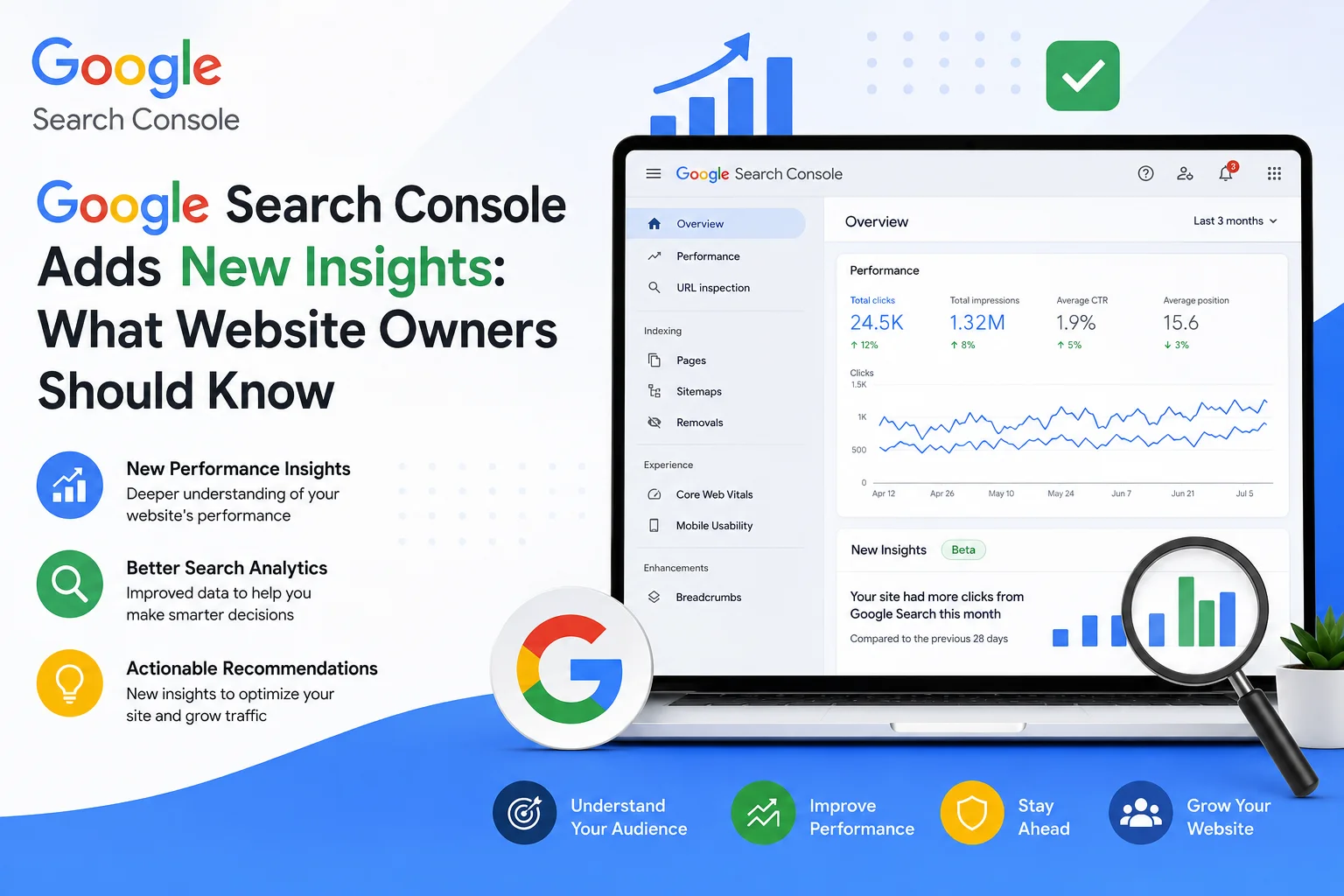
Google has continued improving **Google Search Console** by making search performance insights easier to understand for website owners, bloggers, and businesses.
The latest enhancements help users identify which content is performing well, how visitors find their websites, and where improvements can be made.
If you rely on organic traffic, these insights can help you make smarter SEO decisions.
## What is Google Search Console?
Google Search Console (GSC) is a free tool from Google that helps website owners monitor their site's presence in Google Search.
It provides valuable information about:
* Search performance
* Indexing status
* Website errors
* Mobile usability
* Core Web Vitals
* Search queries
* Backlinks
For anyone serious about SEO, GSC is an essential tool.
## What's New?
Google is making Search Console insights more user-friendly by surfacing key performance metrics in a simpler way.
Website owners can more easily identify:
* Top-performing pages
* Pages losing traffic
* Fast-growing search queries
* Click-through rates (CTR)
* Impression trends
* Content opportunities
This helps businesses focus on what actually drives traffic.
## Why It Matters
Instead of guessing which blogs are successful, you can use real data.
The new insights allow you to:
* Find your best-performing content
* Update declining pages
* Discover new keyword opportunities
* Improve click-through rates
* Measure SEO performance over time
Better decisions start with better data.
## How to Use These Insights
### Update Existing Content
If an article is losing traffic, refresh it with new information and examples.
### Improve Low CTR Pages
Rewrite page titles and meta descriptions to attract more clicks.
### Create Similar Content
If one topic performs well, publish related articles to build topical authority.
### Fix Indexing Issues
Monitor pages that are not indexed and resolve any technical problems.
## Common Mistakes
Many website owners:
* Never check Search Console.
* Ignore indexing errors.
* Focus only on rankings instead of clicks.
* Forget to update successful content.
Using GSC regularly can prevent these issues.
## Who Should Use Google Search Console?
It's valuable for:
* Bloggers
* Digital Marketing Agencies
* E-commerce Websites
* Coaching Institutes
* Educational Platforms
* Local Businesses
* News Websites
* Startup Founders
Anyone with a website can benefit from understanding their search performance.
## How WebBrandBuilders Helps
At **WebBrandBuilders**, we help businesses make the most of Google Search Console through:
* SEO Audits
* Technical SEO
* Content Optimization
* Website Development
* Indexing Issue Resolution
* Local SEO
* AI SEO Strategy
We use data-driven insights to improve long-term search performance.
## Conclusion
Google Search Console is more than a reporting tool—it's a roadmap for improving your website.
By regularly reviewing performance insights, fixing technical issues, and optimizing your best content, businesses can attract more organic traffic and stay competitive in the evolving world of search.
📞 **+91 7428949640**
📧 **[info@webbrandbuilders.com](mailto:info@webbrandbuilders.com)**
🌐 **WebBrandBuilders – Building Brands. Generating Results.**
Want to scale your business organic traffic?
Let WebBrandBuilders optimize your search appearance & design strategies.